
DIY or Professional Installation: How to Tell Which You Need
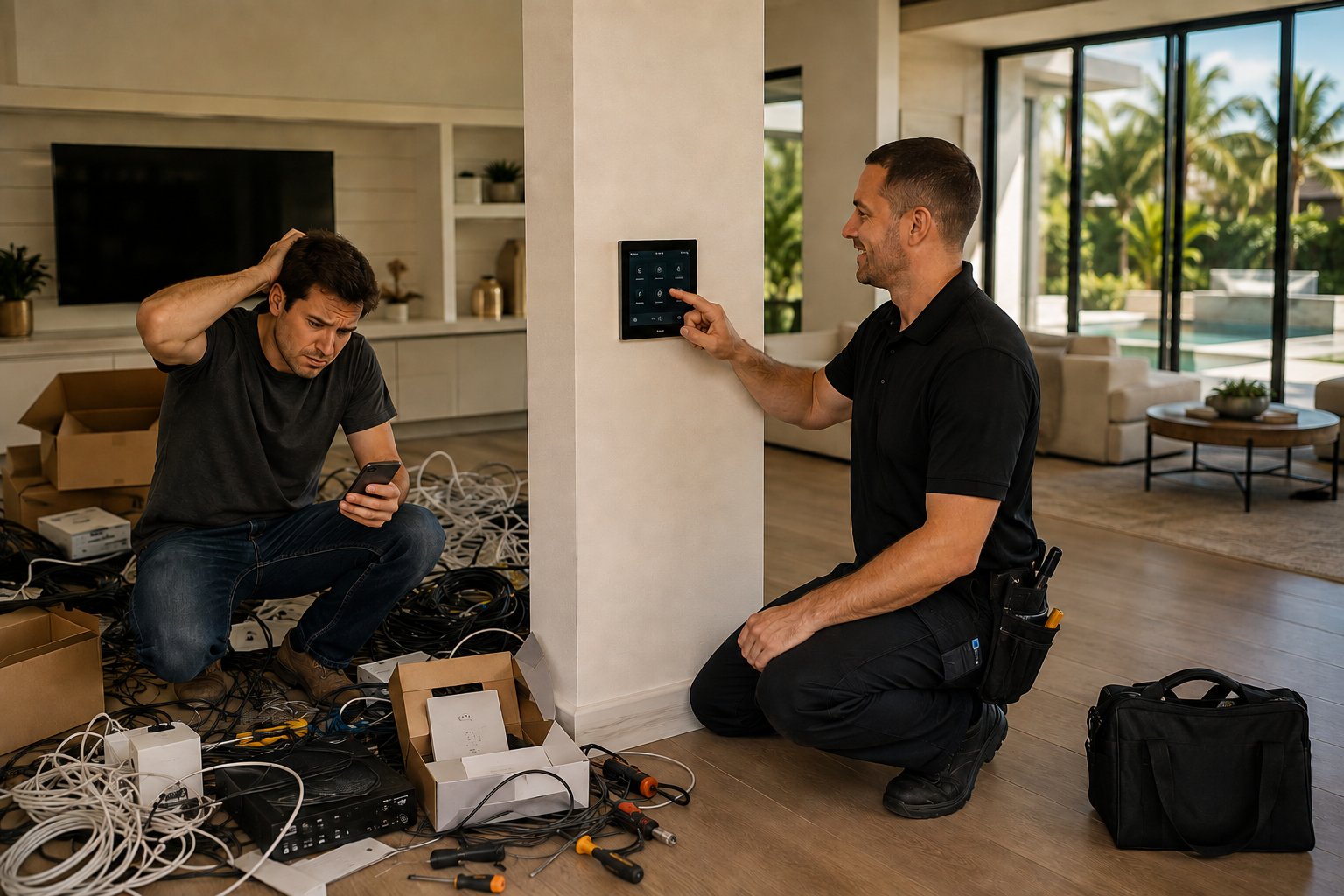
Most articles on this question are written by companies that install things for a living, and they all arrive at the same answer. So here's the useful version instead.
For a lot of homes, DIY is the right call. If you want a video doorbell, a thermostat you can adjust from the airport, and a speaker in the kitchen, buy them and set them up. They're designed for exactly that, they work, and paying someone to do it would be paying for nothing.
The answer changes, but not at the point most people expect.
Where DIY Stops Working
It isn't a device count. It's the moment the devices need to know about each other.
One smart light is simple. Eight lights that should come up together at a set level, respond to one button, and behave differently on a Sunday morning than a Tuesday night — that's a different problem. So is a camera that should trigger the driveway lights. So is music that follows you outside without stopping.
Consumer products are built to work alone. Getting them to cooperate means an app for each one, a hub or two, and a set of automations that hold until a manufacturer pushes an update and quietly breaks one. Every homeowner we meet who's been down this road describes the same thing: not a system that failed, but a system that became a job.
The Part That Fails First
Almost always the network.
A dozen connected devices is a real load, and Florida construction is hard on wireless signal — concrete block, stucco, impact glass, foil-backed insulation. The mesh kit that worked with four devices starts dropping the ones farthest from the router, which is usually the patio camera and the speaker by the pool.
At that point people buy an extender, and the problem moves rather than ends.
This is the honest dividing line. Devices you can add yourself. Coverage is a design question — where access points go, what gets hard-wired, how the network is divided — and no amount of better equipment substitutes for getting that right.
What Changes With a Designed System
Three things, mainly.
It gets planned against the house. Floor plan first, then a survey of how signal actually moves through your walls, then equipment. Not the other way around.
It gets wired where it should be. Anything that doesn't move — televisions, control panels, cameras, access points — gets a hard line where the build allows. That one decision eliminates most of what people blame on Wi-Fi.
It gets monitored. Systems under a service agreement are watched remotely, which means a good share of problems are corrected before anyone in the house notices.
There's a fourth, less tangible: one way to run everything. A keypad by the door, a screen in the kitchen, an app when you're away. Not nine apps and a drawer of remotes.
If You're Building or Renovating
Then it isn't really a DIY question.
Conduit, wire paths, keypad locations, and equipment space are decisions made in drawings. They cost almost nothing before the walls close and a great deal afterward. Even if you plan to add technology gradually over years, the infrastructure should go in while the walls are open — and that's a conversation with your builder and electrician, not a weekend project.
How to Decide
Buy it yourself if you want a handful of devices in rooms you're already in, you're comfortable with an app per product, and nothing needs to talk to anything else.
Get it designed if you're building or renovating, if coverage has to reach a lanai or a dock, if you want lights, shades, and audio responding to one press, or if you've already tried and the house has become something you manage.
There's also the middle: plenty of what we do starts with one system — a network that finally covers the whole house, lighting in the rooms that matter — planned so the rest can follow without tearing anything out.
Curious Which Side You're On?
Tell us what you've got and what isn't working. We'll tell you honestly whether it's worth calling us.