
home Networking And WiFi Design
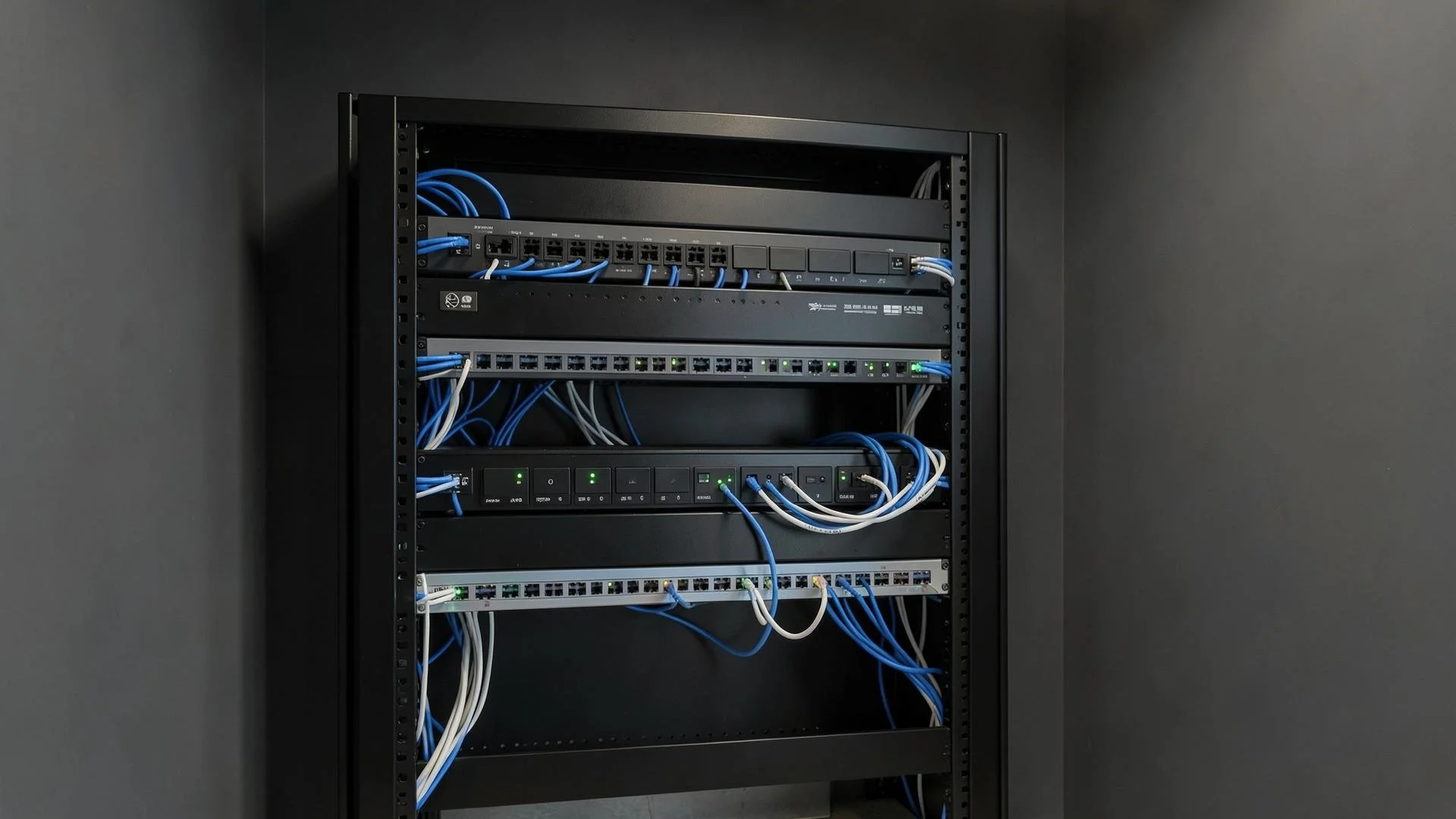
Every system in a modern home, lighting, shades, audio, video, security, and climate, runs on the network. ETC Florida designs, installs, and monitors enterprise grade networks built to carry all of it without a second thought.
The Backbone of the Entire Home
Most people don't think about their network until it fails. Then they think about it constantly — in the room where video calls drop, on the patio where music cuts out, in the guest suite that never quite worked.
By the time a homeowner calls us, they've usually tried the fixes. A better router. A mesh node. An extender in the hallway. Those solve equipment problems. What most homes have is a coverage problem and coverage is a design question, not a purchase.
Signs Your Home Has a Coverage Problem
Wi-Fi works in most rooms but not the ones you use most
Video calls drop in the same spot every time
Outdoor speakers or cameras lose connection
Your phone holds a strong signal but nothing loads
You've added extenders and the problem moved instead of ending
Everything slows down when the whole house is home
How We Design A Home Network
We map the house before we specify anything
Floor plan first. We survey how signal actually moves through your walls, then place access points against that reality rather than a coverage claim on a box.
We design for where you live, not just where you sleep
The lanai, the dock, the pool deck, the far end of the primary suite. Edge-of-property coverage is where consumer systems fail first and where clients notice most.
We wire everything that doesn't move
Televisions, control panels, cameras, access points are all hard-wired where the build allows. That one decision eliminates most of what people blame on Wi-Fi.
We size it for a full home
Modern homes run dozens of connected devices at once. We build for simultaneous demand, so nothing degrades when everyone is home.
What a Network Design Includes
Site survey and coverage mapping across the full property
Structured cabling design coordinated with your builder or electrician
Professional-grade access points, switching, and routing
Separate networks for family, guests, work, and devices
Remote monitoring, so we often see a problem before you do
Documentation your future contractors can actually read
New Construction and Existing Homes
If you're building or renovating, the network should be designed alongside the electrical plan. Cable is inexpensive before drywall and expensive after.
If you're in a finished home, retrofit is a large part of what we do. Existing walls limit where cable can run, but a coverage-first design usually works around it, and often with less equipment than what's already installed.
Common Questions about home Networking
-
No. A properly designed system is one network. Your devices move between access points without you doing anything.
-
No. Your provider delivers service to the house. Everything after that is what we design.
-
It depends on construction more than square footage. A 4,000 sq ft block home with impact glass may need more than a larger home built lighter. The survey answers it.
-
Often, yes. We start by mapping what's there. Sometimes the equipment is fine and the placement isn't.
-
Systems under a service agreement are monitored remotely. Most issues we find and correct before a client calls.
Where We Work
Designed and installed from two offices — West Palm Beach, serving Palm Beach, Jupiter, Boca Raton, Delray Beach, Boynton Beach, Palm Beach Gardens, Wellington, Royal Palm Beach, and Juno Beach; and Vero Beach, serving Vero, Sebastian, Stuart, Palm City, Jensen Beach, Port St. Lucie, Hobe Sound, and Martin County.
Curious What Coverage Looks Like in Your Home?
Send us the address and a floor plan if you have one. We'll tell you what we'd look at first.